Preparing Fallback Mode

Table of Contents
Is your shop packed and the orderbird app is reporting connection issues? With fallback mode, you can keep working even without an active connection.
Important: For emergency use only
Fallback mode is the last option. Please note that not all functions are available when using this mode. You can find a detailed overview here: What works in Fallback Mode -and what doesn't?
Before switching it on, please try the four troubleshooting steps mentioned here first:
Initial Situation
- Acute connection problems are occurring.
- The connection issue is appearing on all devices.
- Multiple devices are part of a "swarm" and table sync is activated
Check Solutions
Try these four solutions before activating Fallback Mode:
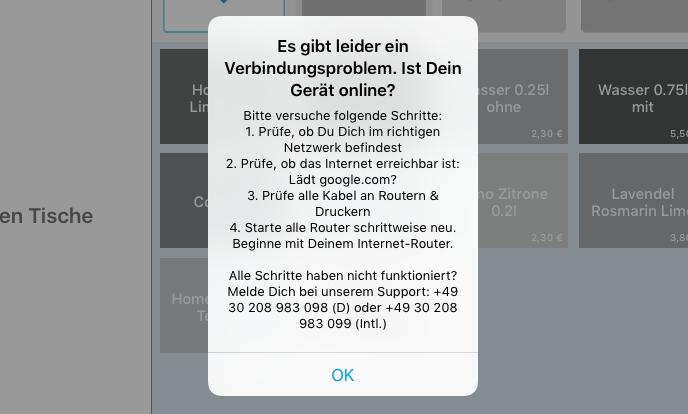
📶 Network Check
Are you connected to the correct network? ➜ Solve network problems
🌐 Internet Check
Is the internet working? ➜ Search "Weather" in your browser. No results or an error message? ➜ Error message: Server not found
🔌 Check Cabling
Are all cables between the router, repeaters, and printers properly connected?
🔃 Restart Devices
Restart all routers one by one – starting with the internet router!