Contact Us

If you still have questions or prefer to get help directly from an agent, please submit a request.
We’ll get back to you as soon as possible.

Please fill out the contact form below and we will reply as soon as possible.

  • Knowledge Base MINI
  • Contact us
English (US)
US English (US)
DE German
  • Home
  • Card payment
  • Your start with card payment with orderbird PRO and Worldline

How can I check my transactions at Worldline?

Written by Jens B.

Updated at June 5th, 2024

Contact Us

If you still have questions or prefer to get help directly from an agent, please submit a request.
We’ll get back to you as soon as possible.

Please fill out the contact form below and we will reply as soon as possible.

  • First Steps
    Hello new Bird! About your Apple devices Step 1: How to set up your network Step 2: MY orderbird Step 3: How to install and set up the app Step 4 - How to serve your first guest Step 5 - Card payment with orderbird PRO
  • Working with orderbird PRO
    Working Settings Fiscalization in Austria (RKSV) "Kassensicherungsverordnung" in Germany orderbird PRO - Versions and Updates
  • Card payment
    Your start with card payment with orderbird PRO and Worldline Your start with card payment with orderbird PRO and Nexi Germany Your start with American Express Working with orderbird card payment Pay Terminal Plus (WiFi card reader) Pay Terminal One (Bluetooth card reader) Card payment on the smartphone
  • Analyze your sales
    Reports on orderbird PRO The DATEV export Reports on MY orderbird
  • Printer & Network
    Printer Network
  • Expand your orderbird PRO
    orderbird PRO Cashbook orderbird Gift Cards Bestellmanagement
  • MY orderbird - Your orderbird business account
    Your account settings on MY orderbird
+ More

Table of Contents

In a nutshell Let's go Tax-free transaction fees! About legal and tax consulting

You want a detailed overview of your Worldline transactions. You can get it online directly from Worldline anytime!


In a nutshell

  • Log in to reports.bambora.com
  • Click on “Reports” above and then on the Excel symbol with the green “X” for the month in question.
  • Remember: card payment settlements are done by Worldline at precisely 0 o'clock. Therefore, card payments after that time will be included in the respective calendar day's settlement.

Let's go

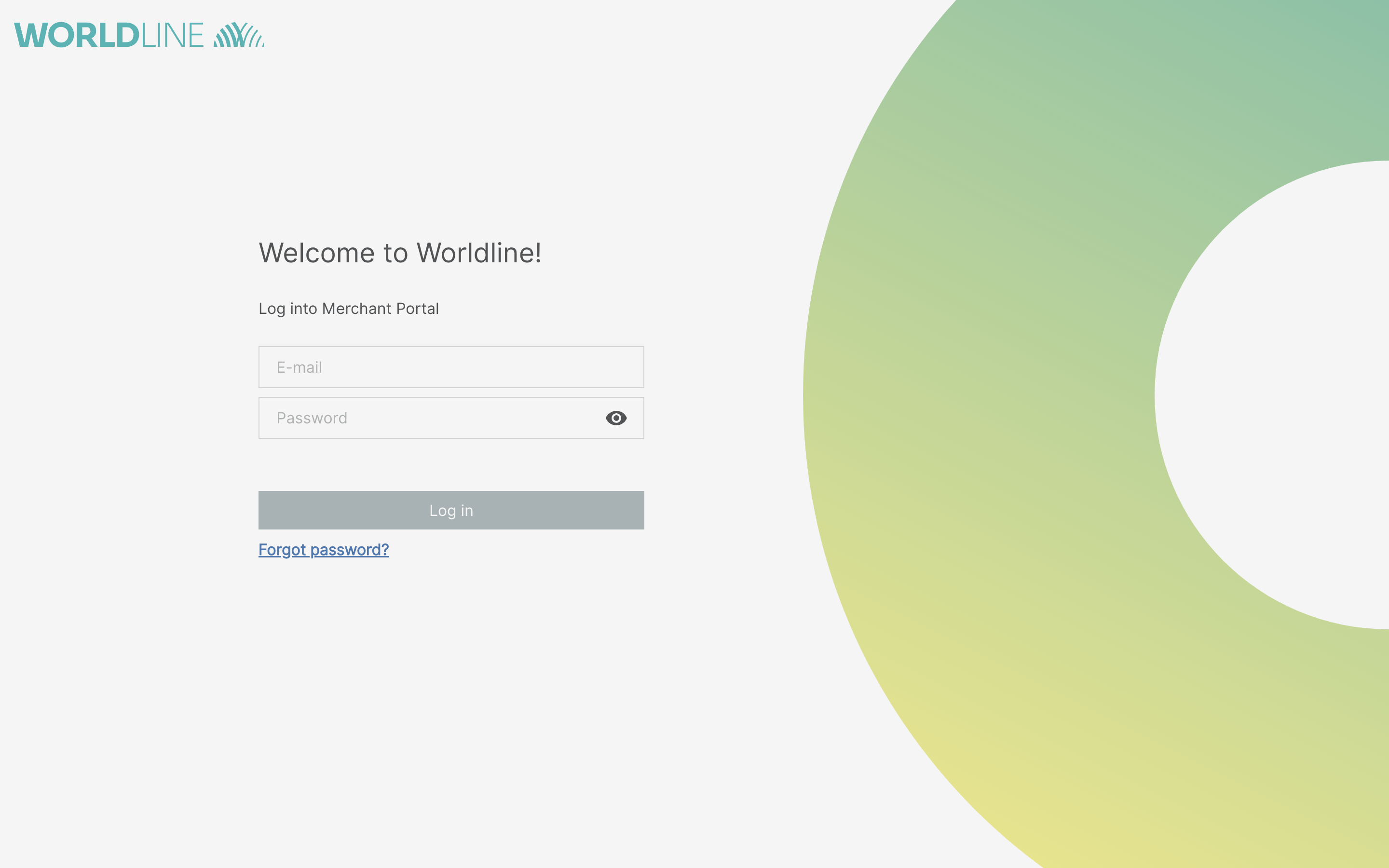
  1. Log in to reports.bambora.com.  
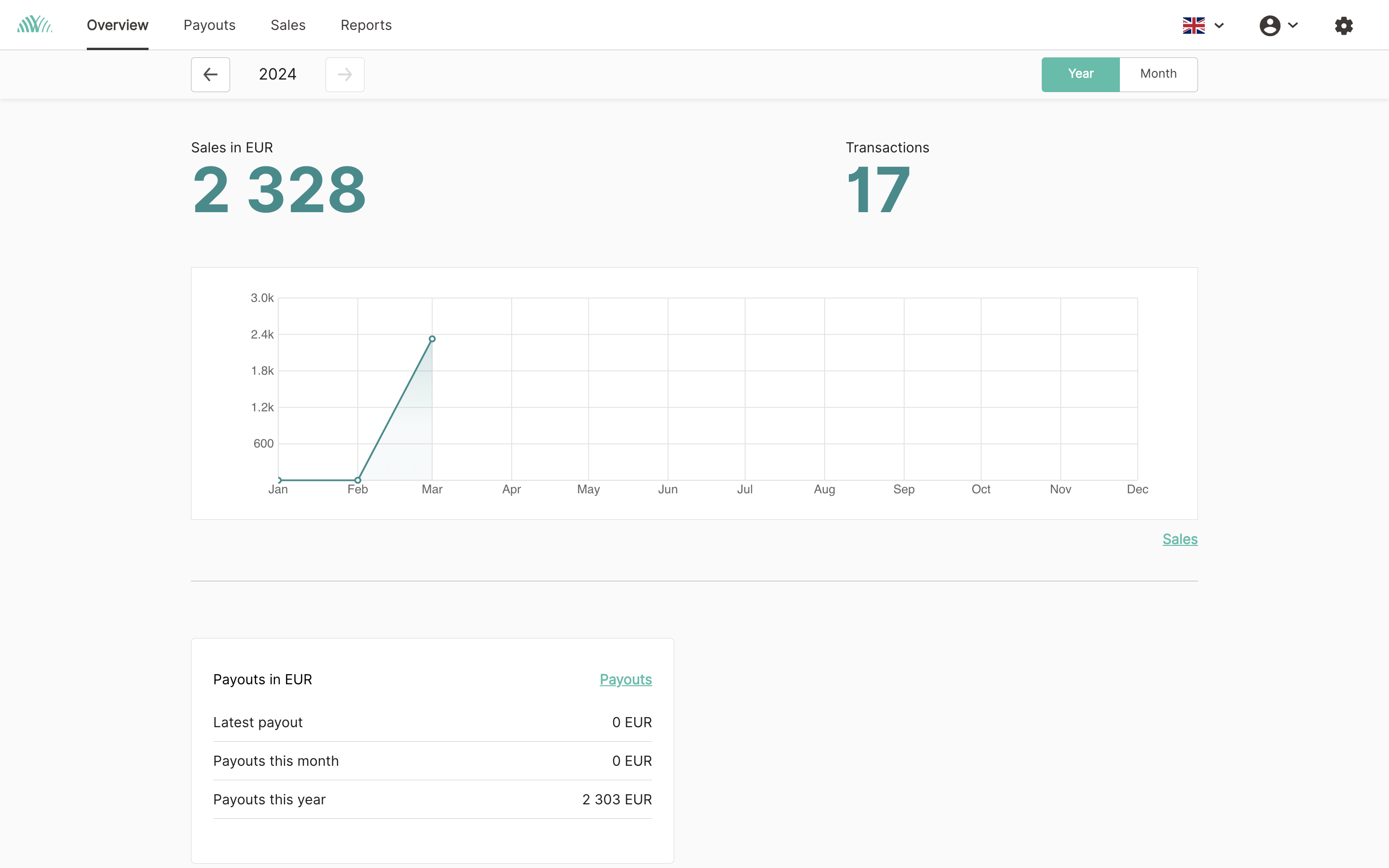
  2. Click on “Reports” in the top bar.  
  3. Now click on the green "X" icon under the "Detailed" section for the relevant month. 
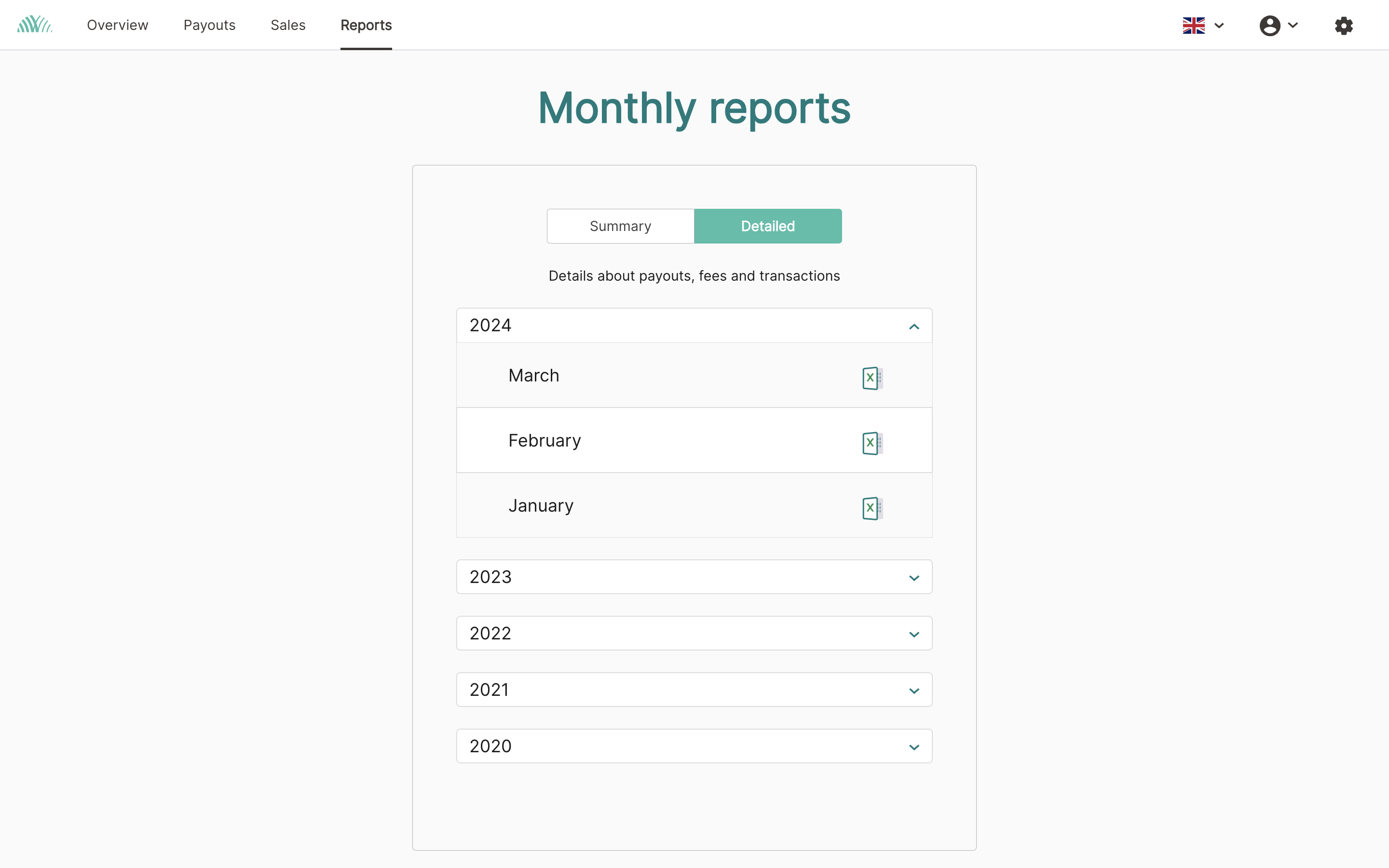
     
  4. The file will be downloaded and saved on your computer.
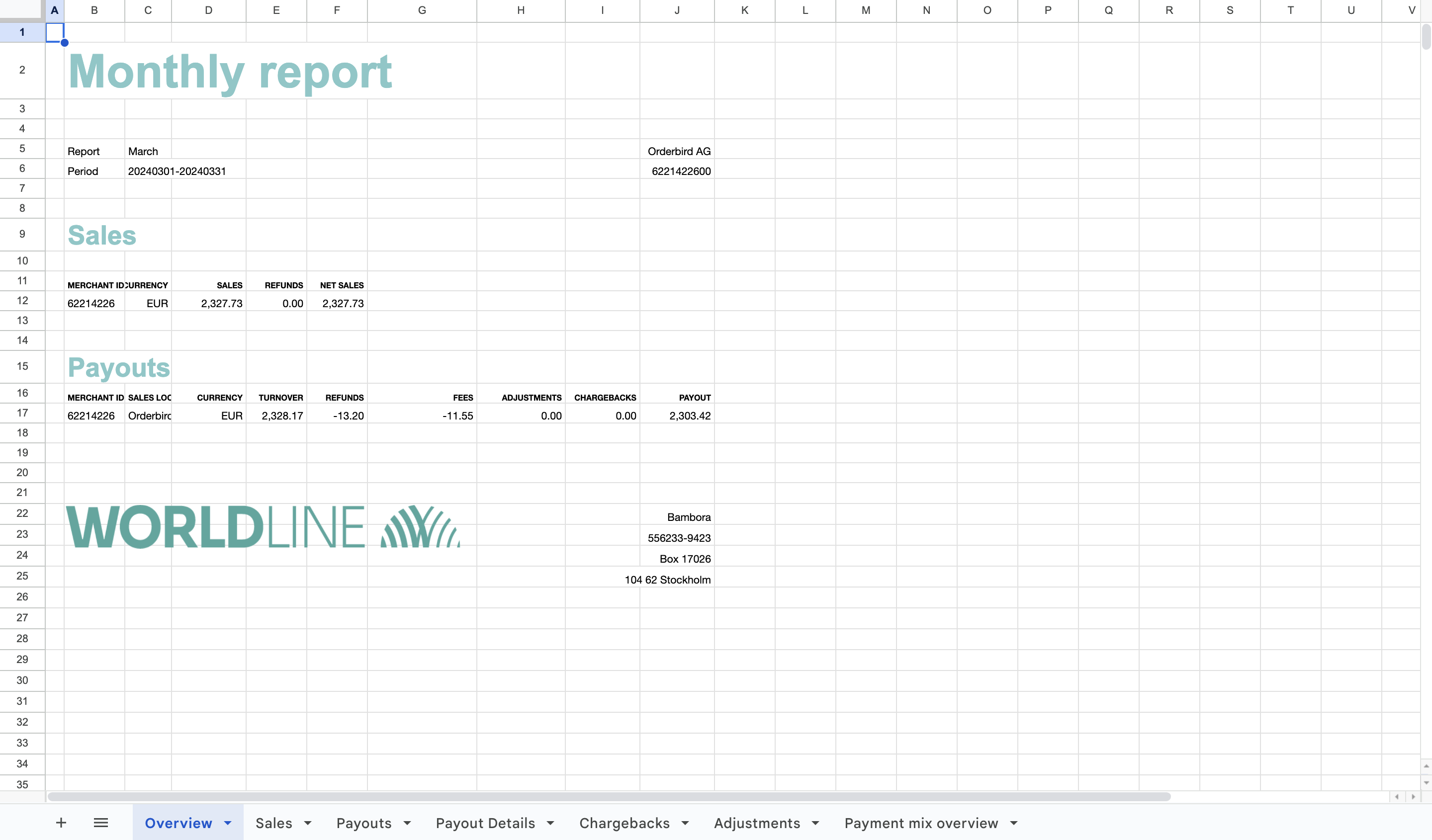
  5. After that, you can open the Excel file with Microsoft Excel. Alternatively, you can use the cost-free program LibreOffice. You can download it here for free and install it on your computer or laptop.

This file will include in the corresponding tab the following information:

  • a payout overview incl. charged fees,
  • your sales,
  • all payouts,
  • the card payment details,
  • possible chargebacks,
  • changes (an overview of service charges), and
  • a summary of the card types used.  

Tax-free transaction fees!

Did you know it? The card payment fees are tax-free! 


About legal and tax consulting

orderbird does not offer legal or tax advice. Everything we write reflects our experience and the experience of our customers. Any information with legal or tax aspects is in no way to be considered legal or tax advice. Therefore, this approach may not apply to you and your business in particular.

For binding statements, please contact your tax advisor. orderbird accepts no liability for the topicality, accuracy and completeness of the information that orderbird provides here with regard to tax law procedures.


If you still have questions, please feel free to email us at help@orderbird.com.

social media digital communication

Was this article helpful?

Yes
No
Give feedback about this article

Related Articles

  • Card payment with orderbird PRO and Worldline: Conditions
  • How does the registration for card payment with orderbird PRO and Worldline proceed?
  • What documents do I need to start card payments with orderbird PRO and Worldline?
  • Which card providers and payment methods are supported by orderbird PRO and Worldline?
  • How do I log in to Worldline?
030 208 983 098

About orderbird

With over 17,000 customers — restaurants, cafés, bars, clubs, and beer gardens — orderbird is one of the leading Point of Sales systems for the hospitality industry in Europe. With the mobile POS system orderbird MINI, orderbird also offers a smart cash register solution for service providers, retailers, mobile hospitality, and the crafts.

orderbird was founded in 2011 and today employs more than 120 people.

Address

orderbird GmbH
Ritterstraße 12
D-10969 Berlin
Phone: 030 208 983 098

Opening hours

Monday: 09:00 - 18:00
Tuesday: 09:00 - 18:00
Wednesday: 09:00 - 18:00
Thursday: 09:00 - 18:00
Friday: 09:00 - 18:00
Saturday: Closed (except emergency support)
Sunday: Closed (except for emergency support)


© 2026 orderbird GmbH
  • Imprint
  • Privacy Policy
  • Legal Notice
Expand